
CONGRATULATIONS!!
And, welcome to the Pomm Watercolor Family!!
Here's How To Get Started
1. CHECK YOUR EMAIL
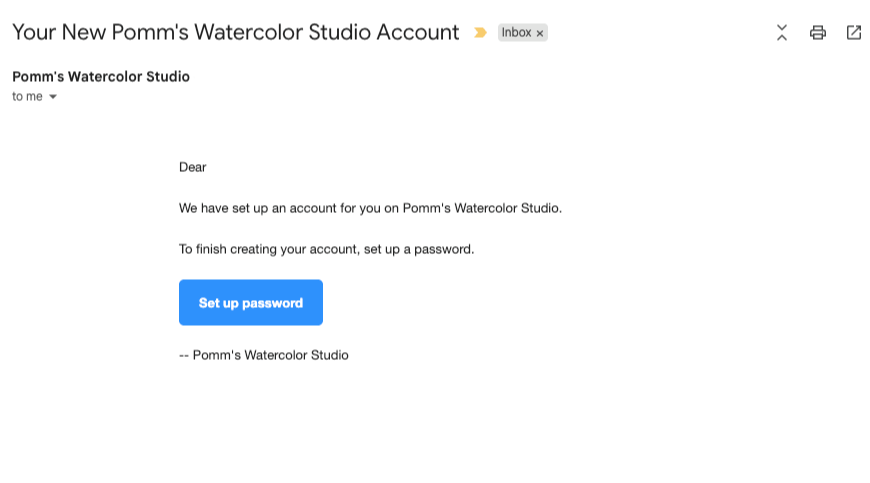
Look for an email with the subject "Your New Pomm's Watercolor Studio Account" and click the button that says "Set up password"
It can take up to ten minutes for our system to send this email
Annoyingly these emails sometimes end up in the spam or junk folder so check there if you don't see it.
2. CREATE YOUR PASSWORD
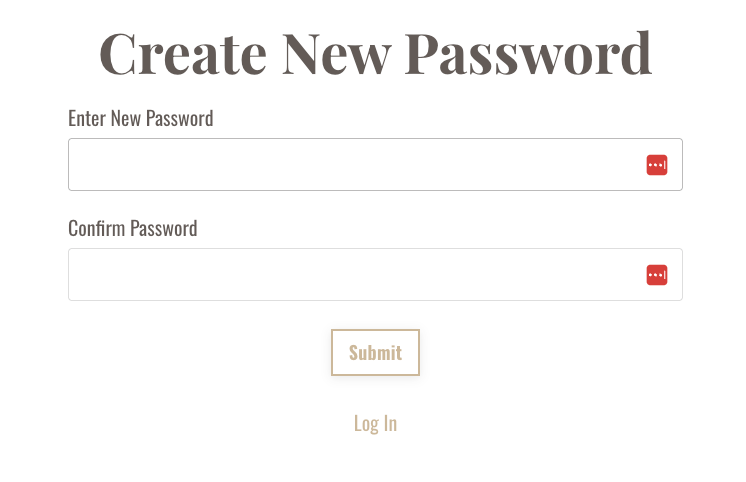
You'll see this page where you can create your password to get access to your Pomm Watercolor account.
3. YOU'RE IN!
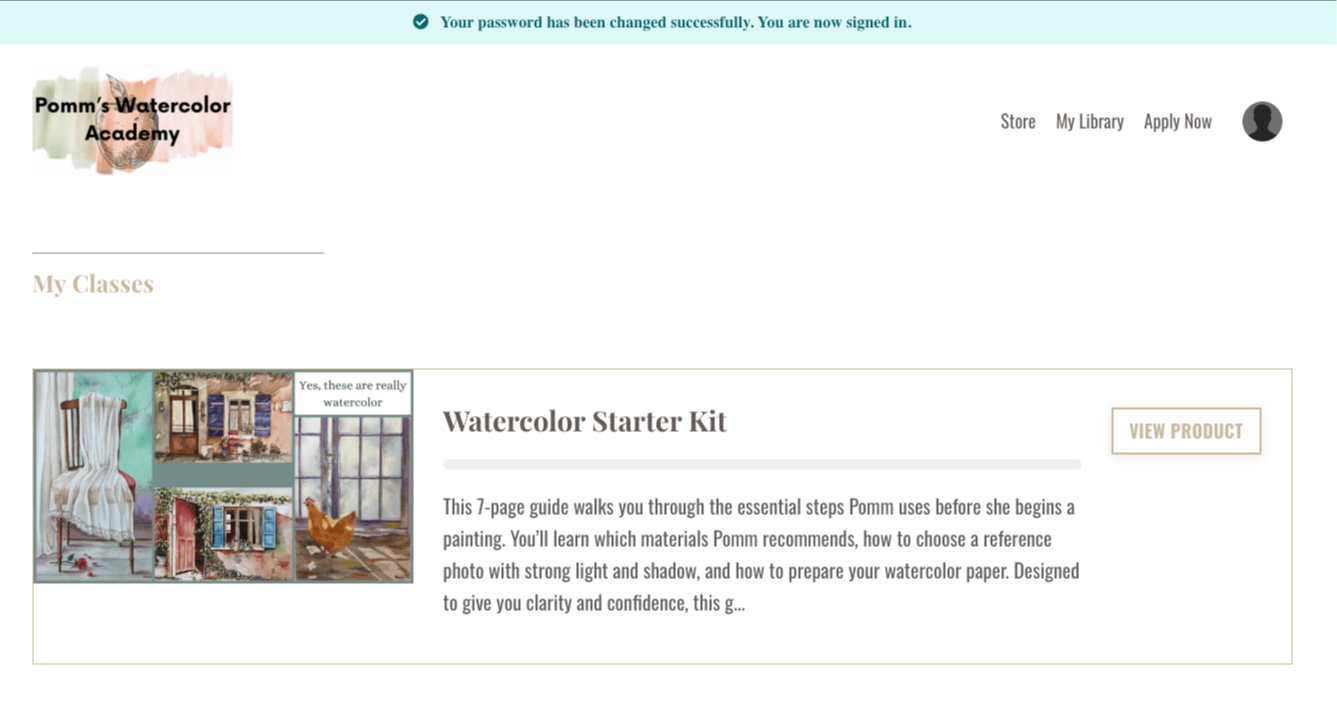
Now you can access your courses.
Enjoy!!
4. I NEED HELP!
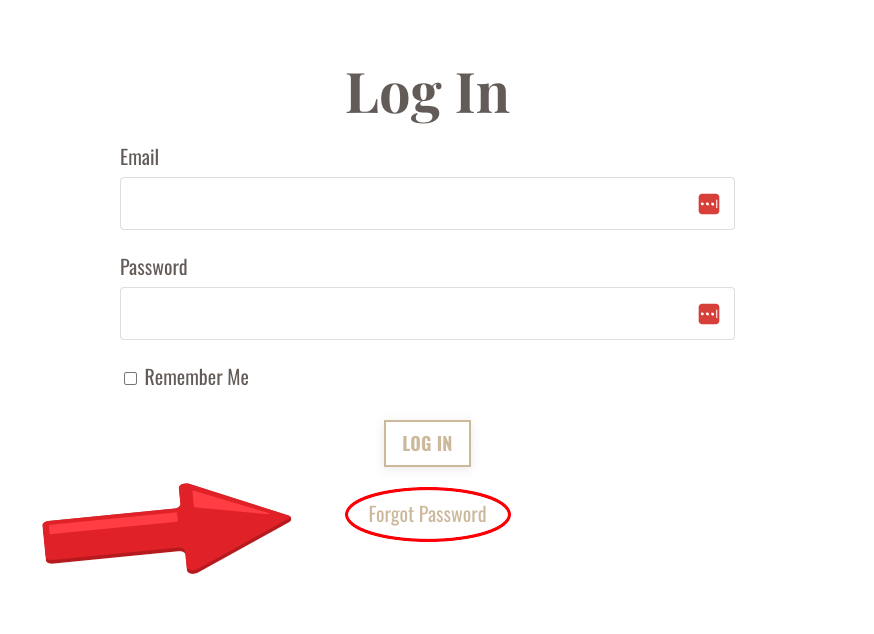
If you can't find the original email (you've waited up to ten minutes and checked your spam/junk folder) head to the login page at this link: https://learn.pommwatercoloracademy.com/login and click "Forgot Password"
Then you can reset your password manually.
5. I STILL NEED HELP!
If, after the above steps, you still cannot access your library, email my support team at hello@pommwatercoloracademy.com and they will help you within 24 hours.